How to Use Letter Paper Size Correctly: Dimensions and Printing Tips
Recent Posts
-
 How to Choose the Right... April 8, 2026
 -
 Everything to Know About Twist... April 7, 2026
 -
 What Is Aqueous Coating and... April 6, 2026
A letter paper is used for everyday printing and document handling and found in offices, homes, and businesses. So, you think you know everything about the standard 8.5″ x 11″ sheet? Then think again as most printer jams and layout errors aren’t hardware problems. They are incorrect use of letter paper and using it’s wrong for the printing. Letter paper is the most common paper size in the Western world. Yet surprisingly a few people know how to actually optimize it for high-quality printing. So next time if you don’t want your printer to jam or bottom line margins to cut off, you need to understand the letter paper size dimensions and how this paper interacts with modern printing software.
Therefore, in this blog, we will dive into the essential dimensions, professional use cases, and pro tips to help you print like an expert.
A Quick Guide to Letter Paper Size Dimensions
Do you know what is the biggest mistake people make when they are designing for print or setting up a digital document? They choose measurements of letter size paper based on their instincts and guessing is the enemy of precision. Therefore, knowing the exact technical specs for various software and professional printing platforms is essential for a crisp, centered result.
Below are the exact letter paper size dimensions in different units.
Letter Paper Size (in Inches)
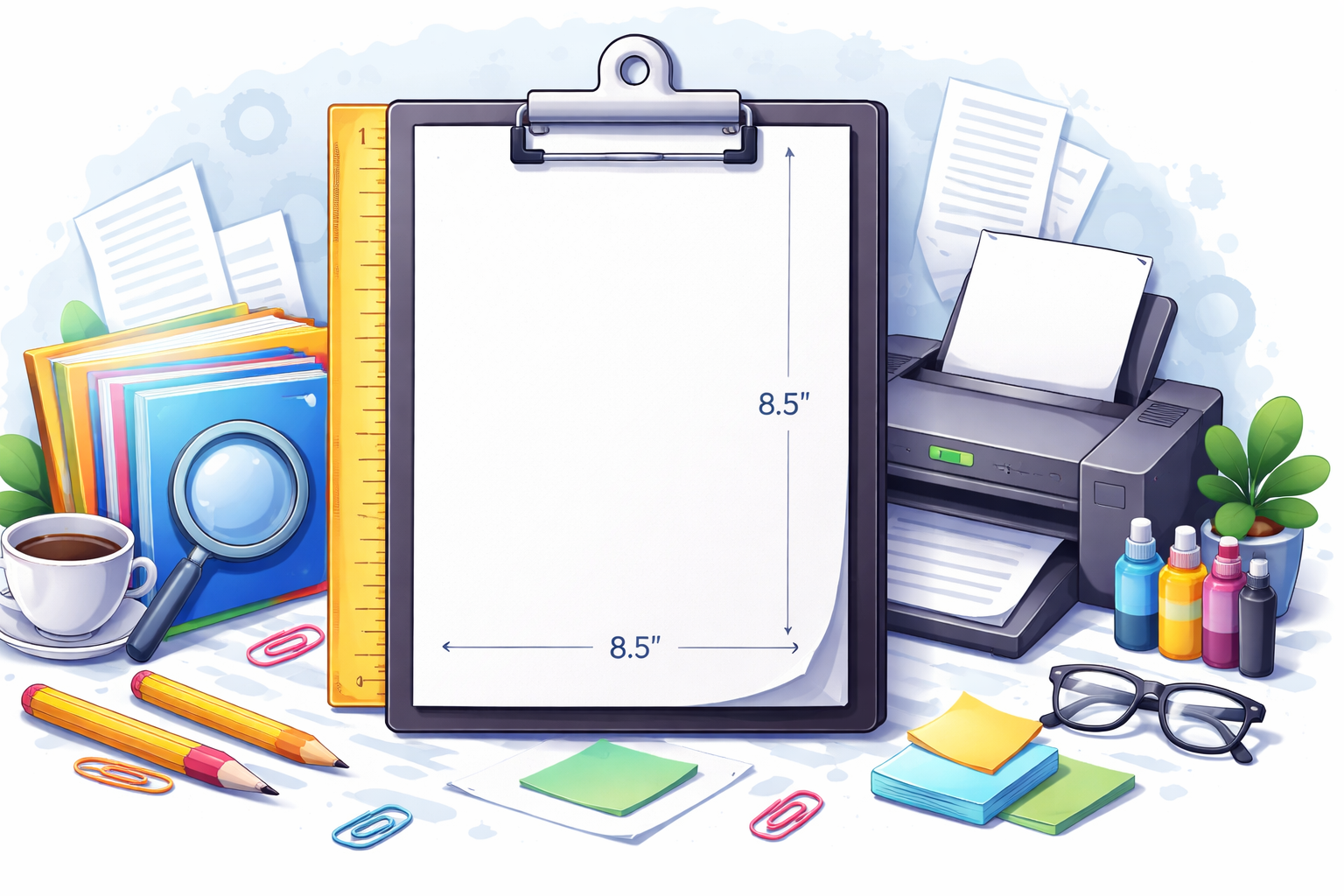
The standard letter paper size dimensions in inches are; 8.5″ x 11″.
Letter Paper Size (in Cm)
For documents that require high-end commercial printing, centimeter units are mostly used. Because commercial printers are manufactured globally and they use the metric system for their internal mechanical calibration. Therefore, use the letter size paper dimensions in cm which is 21.59 cm x 27.94 cm.
Letter Paper Size (in mm)
The letter size paper dimensions in mm are 215.9 mm x 279.4 mm. Although millimeters may seem small units but when there is a need for high-precision workflow, they are the best option. Because these units eliminate the guesswork of fractions and decimals found in inches. For example if you are designing a document where the color or images must go all the way to the edge of the paper, you need to add bleed lines. It is easier to add 3mm into 215.9mm than calculating 1/8 of an inch to add into 8.5″.
Understanding Half Letter Paper Size and its Dimensions
Half letter paper often referred to as “Statement” or “Junior Legal” size is exactly what it sounds like. It is a standard letter sheet cut perfectly in half. You must be wondering what is the use of half letter paper, it’s just a waste. Well, it is compact but looks professional and is the go-to choice for organizers, small booklets, and menus. Therefore, knowing the half letter size paper dimensions is important.
Unit | Dimensions | Common Uses |
Inches | 5.5” x 8.5” | Personal planners and Statement invoices |
Centimeters | 13.97 cm x 21.59 cm | European-style flyers and invitations |
Millimeters | 139.7 mm x 215.9 mm | Technical manuals and precision booklets |
Half letter is the standard size for most mid-sized planners and offers enough room for detailed writing while being small enough to fit in a bag or briefcase. Moreover, it fits onto one standard sheet of letter paper that’s why printing on it is cost-effective.
Know the Difference between US Letter Paper and A4 Paper
US letter paper which we call letter paper in daily routine is quite identical to an A4 size paper. While they may look exactly the same at a quick glance, these two sizes are the product of completely different regional standards. And confusing them can sabotage your professional presentation so know the difference between the two.
The US letter paper is the standard for the region of North America like the USA, Canada, and Mexico. The dimensions of this paper is 8.5″ x 11″ and it is shorter and wider. Whereas A4 paper is the international standard and is used in Europe, Asia, Africa, and Australia. The dimensions of an A4 are 8.27″ x 11.69″. This means it is narrower and taller than US letter paper.
Now the real trouble comes when you print on A4. Since the A4 is taller and printer settings are set to US letter, the printer shrinks the entire page to ensure the height fits. This leaves with massive, unintended white gaps on the left and right sides. Therefore, to avoid these types of errors you manually need to adjust paper settings in page setup before you hit print.
Pro Printing Tips for Letter Size Paper
Professional printing is a science of margins, weight, and scaling that most people overlook. So if you want your 8.5″ x 11″ documents to look as professional in your hand as they do on your screen, you need to master the settings that bridge the digital-to-physical gap. Therefore, follow these instructions.
Start with the margins. Most printers do not print to the very edge of the paper. So try to keep your important text and images within a “Safe Zone” which is at least 0.25″ to 0.5″ from the paper edge.
Avoid the “Fit to page” trap. This will ruin your text resolution and alignment. Only use this command if you are printing an image or a web page where you don’t care about the exact proportions and just want to make sure nothing is cut off.
Always set “Custom Scale” to 100% because if you are printing for custom printed packaging boxes or any technical drawing, it ensures that measurements don’t misalign and every element is right in its place.
Conclusion
Understanding the letter paper size dimensions isn’t just to master the skill of printing and document management. It also means you no longer have to worry about chopped-off text or distorted images. Moreover, you can save your time spent on re-doing the whole assignment again and money on the printing. Just set the right paper dimensions and follow the printing tips discussed above and you can elevate every document you produce.
.jpg)
